
Campaigns & quotas
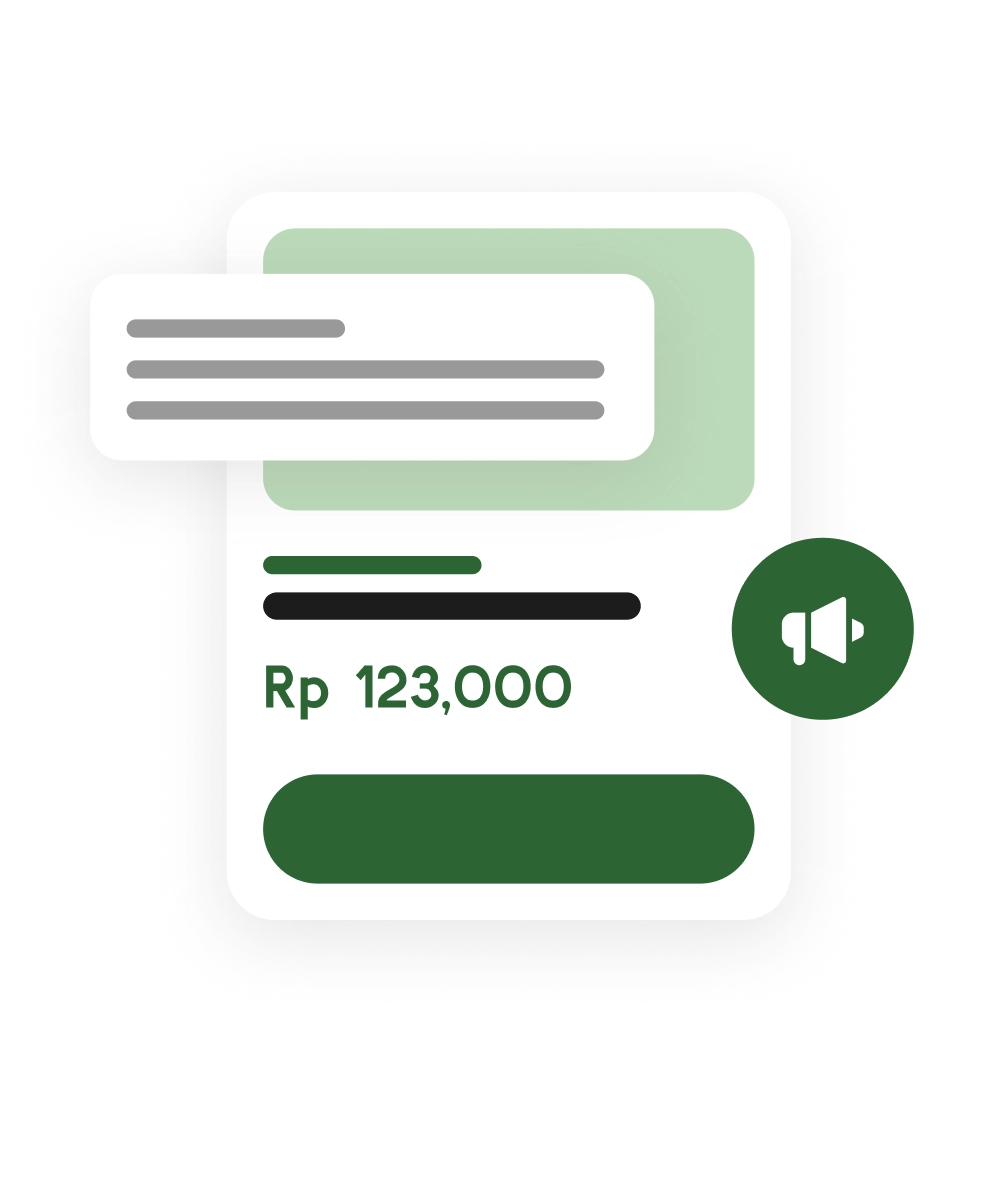
Set periods, variants, prices, images and quotas; keep availability alongside the campaign.
Pre-order Operations · A Sadatech product
Run pre-orders with campaign quotas, multi-variant orders, deposits, payment verification and a private buyer portal.

The product
Fashion, merchandise, crafts and other sellers working with batches or pre-orders.
Serahin brings the seller and buyer sides of pre-order selling into one workflow. Sellers publish campaigns with variants, quotas and payment terms; buyers order without creating an account, then follow payment and fulfilment from their personal order link.
Orders arrive through chats and forms, transfer receipts get lost, and spreadsheets cannot reliably answer how much quota remains, who still owes a balance or which batch is ready to ship.
One campaign holds the products, orders, verified payments and production timeline together. A shared buyer portal makes the current status visible without asking the seller for every update.
Buyers can order without registering
Deposit and remaining balance follow verified payments
One order link carries progress updates
Features & capabilities
Set periods, variants, prices, images and quotas; keep availability alongside the campaign.
Manage multiple variants, buyer details, status changes, filters and bulk actions from one place.
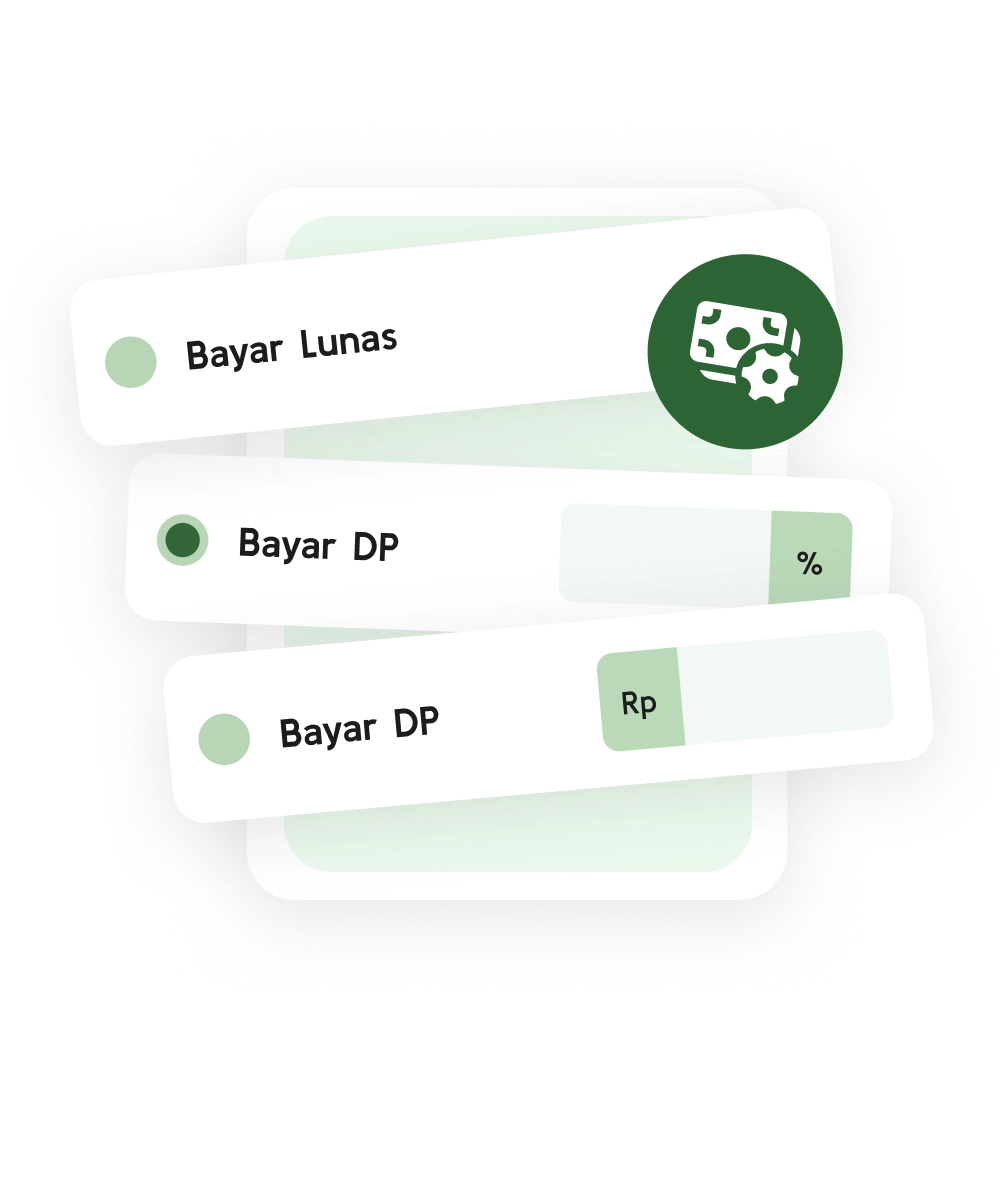
Offer full payment, a percentage deposit or a fixed deposit, with the remaining amount calculated from verified payments.
Publish progress from campaign closing through production, ready-to-ship and completion.
Let buyers check their order, payment and progress through a private link without creating an account.
Combine a searchable public catalog with vendor management, reports and reusable campaign operations.
The public site and catalog are accessible. Campaigns, buyer orders, deposits and fulfilment are implemented; payment methods depend on the seller and the options shown at checkout.
Pricing & payments
Public seller pricing has not been published. Buyers pay the price set for an order; checkout shows the available payment route and payable amount before confirmation.
Seller access
Contact usbefore onboarding
Commercial terms are confirmed with each seller before Serahin is activated for their operation.
A customer opens a seller's campaign on Serahin and reviews the product, the quota, and the price.
Checkout shows manual payment and, when enabled for that campaign, automatic payment with the available method, amount, and fees.
For automatic payment, the customer continues to the provider's hosted page. Returning to Serahin alone does not mark the transaction as paid.
Status changes after a manual payment is verified or the payment service reports authoritative PAID status. The buyer can then follow progress through the order portal.
Automatic checkout is processed on a provider-hosted page through Sadatech's payment service. Sadatech products do not ask for or store full card numbers, internet-banking passwords, PINs, or OTPs. Only use checkout links opened from an official product.
Current product catalogs and payments use Indonesian Rupiah (IDR). Available methods may differ by product and provider configuration.
We’re building products, exploring technology, and looking for meaningful problems worth solving.